Printing a Backup Copy
A phone can lose signal, run out of battery or get damaged on the way to a Georgia OHV trailhead. A paper backup can make it easier to show your permit, but it is only useful if it is the actual permit and remains readable. Here’s how to prepare a reliable copy and what to check before you ride.
What a printed backup does and does not do
A paper copy is a practical backup for the Georgia National Forest OHV permit you bought. It can help if your phone is unavailable or you cannot open a saved document at the trailhead. It does not replace buying the required permit, and it does not make a closed trail or an ineligible machine permissible to use.
Georgia’s National Forest OHV permit is per operator, not per vehicle. Each person who operates a machine needs their own permit. An annual permit covers the designated OHV systems it applies to, but carrying a copy for one operator does not cover other operators in your group. For the broader rules, see Georgia’s Per-Operator Permit, Not Per Vehicle and One Annual Permit Covers All Six Georgia OHV Systems.
The permit is separate from other requirements. A permit alone does not authorize riding on every Forest Service road, guarantee that a route is open, or replace a private park’s rules. Check the rules for the destination and the machine before you leave. Georgia National Forest Trail-Only Rule explains the distinction between designated trails and other forest roads, while How to Check Georgia Forest Trail Status can help you check for closures.
| Situation | Useful backup | What to verify |
|---|---|---|
| Phone battery is low | Printed copy of the permit | The copy is complete and readable |
| No signal at the trailhead | Permit saved offline and a paper copy | You can open the saved file without internet |
| Several operators are riding | A separate copy for each operator | Every operator has their own permit |
| You have a receipt or confirmation email | Keep it as a purchase record | Do not assume it is the permit itself |
| The trail system is closed or a route is restricted | Neither paper nor phone copy changes access | Check current status and posted restrictions |
A printed copy is best treated as redundancy, not as a substitute for the original permit record. Save the permit digitally as well, and check the permit’s instructions for what riders must carry or present. If the permit has a scannable code or other machine-readable feature, keep it unobscured and sharp enough to read.
How to print a useful copy
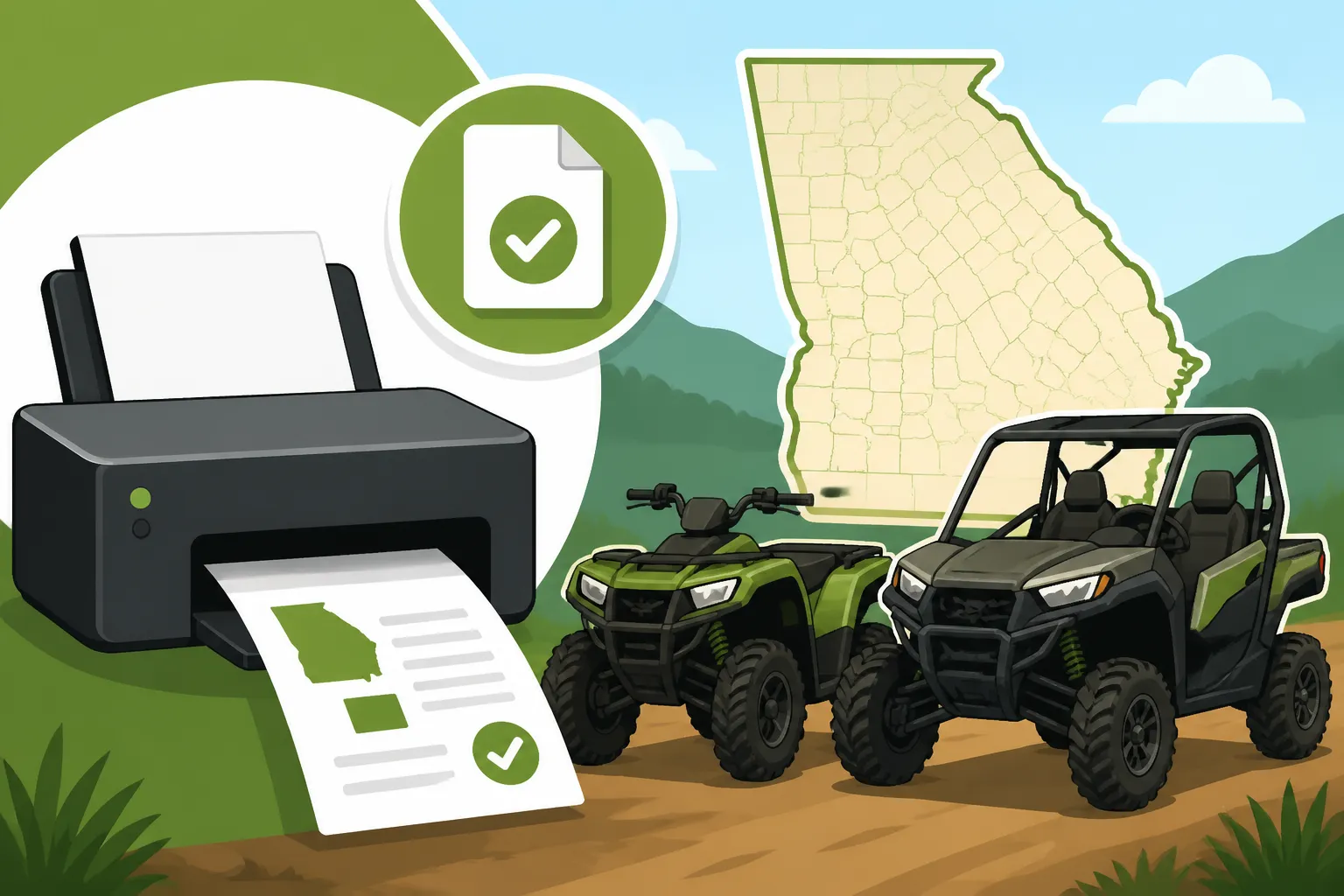
Start with the permit document, not just the purchase confirmation. A confirmation may show that you paid, but it may not contain the permit details a ranger or trail attendant needs to see. Use the account or document provided through the permit purchase process, and compare the printed page with the digital version before you put it away.
A dependable process is:
- Open the permit record while you have internet access. Use the account or email associated with your purchase. If the permit is available as a downloadable file, save that file to your phone or computer.
- Check that you have the permit itself. Look for the operator’s name, permit period or validity information, and any identifying information included on the document. If all you see is a payment receipt, keep looking for the permit record or instructions.
- Print the full document. Avoid cropping off edges, dates, names, terms, or any code. Use a normal page size and make sure the print settings do not shrink the details until they are hard to read.
- Inspect the page in good light. Confirm that the text is clear, the permit details are present, and any code or number can be read. Reprint it if ink is faint, a section is missing, or the page is cut off.
- Keep the digital copy offline. Open the saved file with your phone in airplane mode or with Wi-Fi and mobile data turned off. This confirms that you are not relying on trailhead coverage to retrieve it.
- Store the paper where you can reach it. Put it in a protective sleeve or a dry, secure compartment rather than leaving it loose in a trailer or cargo area.
Do not print only the first page if the permit terms or identifying information continue onto another page. If a document is several pages long, carry the pages that contain the permit and the applicable instructions. Keep the original file too, so you can zoom in or provide a clearer view if the paper gets wet or damaged.
If you use a public printer or ask someone else to print the file, consider that the document may contain personal information. Retrieve every page, avoid leaving the file behind on a shared computer, and do not share account credentials just to get a printout. Buying basic paper or printer supplies from a retailer such as Amazon is optional; any printer that produces a clear, complete copy will do.
Pack and protect the copy before the ride
Paper only helps if it survives the trip. Georgia trail conditions can include dust, rain, mud and rough handling, so protect the page from moisture and abrasion. A clear sleeve, document pouch or resealable bag can keep it legible. Do not laminate a permit unless its instructions allow it; lamination can obscure features or make it harder to verify the document.
Keep the copy with the operator who needs it, not buried under shared gear. If a group has several operators, give each person their own copy or make sure each can access their own offline digital permit. A single page in the lead vehicle may not help a rider who arrives separately, gets separated from the group or is asked to show a permit away from the parking area.
Use this simple packing check:
- Each operator has an individual permit.
- The paper copy matches the permit record and is readable.
- The digital copy is saved offline and opens without a connection.
- The copy is protected from water and dirt but can be removed quickly.
- The group has checked the destination’s current operating status and rules.
A paper copy does not need to be displayed on the machine unless the permit instructions or the destination require that. Keep it accessible, but avoid placing it where it can fall off, block controls or become exposed to weather. If you are unsure where or how to carry it, check the permit instructions or ask the managing office before your trip.
Remember that the operator permit is not the same as vehicle registration, proof of ownership or insurance. Nor does it automatically meet a private park’s entry requirements. Georgia Private Park Waivers and Rules covers the separate policies a private riding area may impose. For a full preparation list, use What Every Rider Carries on a Georgia OHV Trail.
If you cannot print or the document is missing
If a printer is unavailable, prioritize saving the permit document to your phone for offline access. Take care to save the document itself rather than relying only on an email link that may need an internet connection. A screenshot may be a useful emergency reference, but it can omit details or fail to show the complete permit. Do not assume that a screenshot, receipt or purchase email will be accepted in place of the permit.
Before leaving, open the saved file offline and make sure the name and validity details are visible. If the file will not open, the permit appears incomplete, or you cannot locate the actual document, resolve that before heading to a remote trailhead. Contact the permit provider or the appropriate ranger district for instructions. Where Georgia Riders Buy a Forest Permit and Buying a Permit at a Ranger District Counter provide related information about purchase options.
If a printed copy is lost or damaged during the trip, use your offline digital copy if the permit instructions allow it and contact the relevant office when practical. Do not try to alter a permit, write over identifying details or use another operator’s copy. A duplicate printout from the same permit record is a better backup than a handwritten substitute.
Permit requirements and trail access are separate checks. Before driving, verify that the permit is valid for the operator and intended riding period, that the destination is open, and that your machine is allowed on the route. For system-specific planning, Georgia’s Six National Forest OHV Systems is a useful starting point. If you have questions about whether a document counts as proof at a specific location, ask the managing office rather than relying on a printer setting or a saved screenshot.
Disclaimer
This article is for general informational purposes only and does not constitute professional advice. Laws, prices and regulations vary by location and change over time. Consult a qualified professional for guidance on your specific situation.