Recreation.gov Checkout for an Activity Pass
Buying a Georgia forest OHV pass online can feel straightforward until checkout asks you to choose a permit type, date, or quantity. The key is understanding what the pass covers before you pay: it follows the operator, not the machine. Here’s how to approach Recreation.gov checkout, avoid common selection mistakes, and keep proof of your pass ready for the ride.
Before you start checkout
Georgia’s National Forest OHV permit is for riding at designated off-highway vehicle systems where a permit is required. It is not a general registration for an ATV or UTV, and it does not give you permission to ride on every forest road or trail. Check that your destination is one of the systems covered and that it is open before purchasing.
The permit options are generally organized around a day pass and an annual pass. Their current terms, availability, and fees can change, so check the permit listing on Recreation.gov before checkout. For an overview of the choices, see Georgia’s Day and Annual Forest OHV Permits.
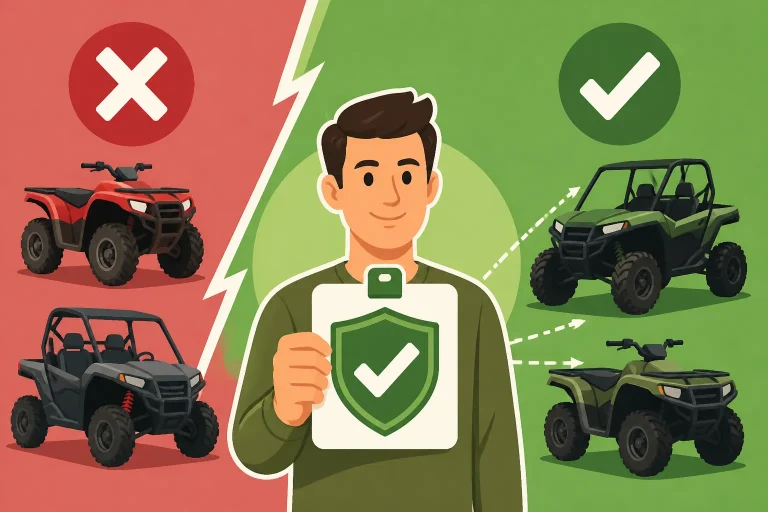
A Georgia forest OHV permit is generally issued per operator, not per vehicle. If two people will take turns operating one machine, each operator may need their own pass. A passenger who does not operate the machine is treated differently from a second driver; check the listing’s terms if someone in your group may switch from passenger to operator. Georgia National Forest Permits Are Per Operator explains the distinction.
| What you are deciding | What to check before paying |
|---|---|
| Day or annual pass | How often you expect to ride at covered systems and which option suits your plans |
| Number of passes | Count the people who will operate, not the number of ATVs or UTVs |
| Date or validity period | Confirm the start date and any dates or conditions shown in the listing |
| Riding location | Verify that your destination is a covered OHV system and is open |
| Proof of purchase | Check how the pass is delivered and what you must carry or show |
Before opening checkout, have an account ready if the site requires one, and use the correct contact information for the operator. Read the item description and restrictions carefully; a pass for a particular activity is not automatically a pass for other forest recreation or a substitute for a private park’s admission requirements.
If you are still comparing pass types or need a fuller buying walkthrough, use How to Buy a Georgia Forest OHV Permit and Georgia Permits on Recreation.gov as related references.
How to complete Recreation.gov checkout
The exact page layout can change, but the same careful approach helps prevent most checkout errors. Treat the permit description as the controlling information, not just the name of the option in a menu.
-
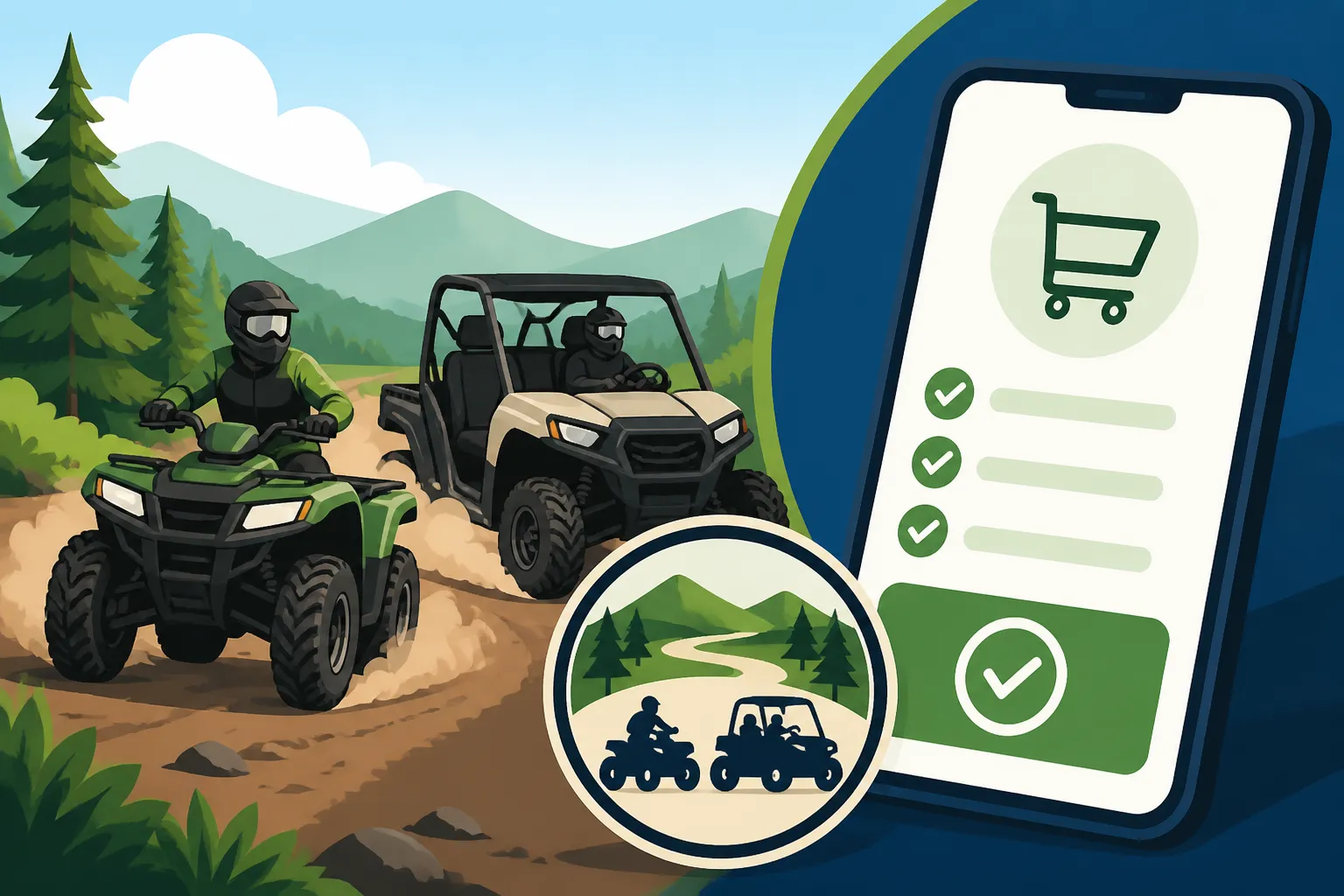
Find the correct activity pass. Search Recreation.gov for the Georgia forest OHV permit or the specific OHV area you plan to visit. Confirm that the result refers to the relevant Georgia OHV activity rather than a campground, day-use area, or unrelated recreation pass.
-
Read the full description. Check the covered locations, validity period, operator requirement, and any instructions about displaying or carrying the pass. Don’t rely on a search-result summary if the detailed listing says more.
-
Choose the pass type. Select a day or annual option based on the dates and riding plans shown in the listing. If you are planning more than one ride, compare the actual terms and current cost at checkout rather than assuming an annual option will be the better deal.
-
Enter the quantity for operators. Count the people who will operate a machine during the covered activity. Do not enter one pass simply because your group has one UTV, and don’t assume a single pass covers a family or riding group. If your plans include a passenger who might drive, check whether that person needs a separate pass.
-
Review dates and account details. If checkout asks you to choose a date or validity period, verify it against the day you plan to ride and the pass conditions. Confirm the account’s email address and other required information so you can receive or retrieve the confirmation.
-
Check the order summary. Before submitting payment, make sure the pass type, quantity, date, and total match your selections. Look for any restrictions or additional instructions repeated in the summary. If anything is unclear, pause and review the listing instead of guessing.
-
Save the confirmation. After checkout, keep the confirmation and the pass details together. Follow the instructions for retrieving, printing, or presenting the pass. A payment receipt may not show every detail an employee or ranger needs to verify.
The distinction between an operator and a vehicle is easy to miss when you are focused on the machine you are bringing. A pass is tied to the person operating, so a group that shares one machine may still need multiple operator passes. Conversely, buying multiple passes because you are bringing multiple machines may not be necessary if only one person will operate them, subject to the listing’s terms. When in doubt, confirm the requirement for your situation before purchasing.
If the order summary does not reflect what you intended, do not assume you can correct it after payment. Review the listing’s purchase and change rules first. Georgia Permits Are Non-Refundable and Georgia Permits Are Non-Transferable cover why checking each selection before submitting matters.
After checkout: save proof and prepare for the ride
Once the order is complete, check for the confirmation or pass in your Recreation.gov account and follow the specific instructions provided. Make sure you can identify the pass holder, validity period, and activity covered. Keep a copy accessible while riding; depending on the instructions, that may mean having it available on your phone or carrying a printed copy.
A phone is convenient, but service or battery life can be unreliable at a trailhead. If the permit instructions allow electronic display, download or save the details before leaving an area with dependable service. A printed backup can also help. Do not assume a payment-card statement or a checkout email alone will satisfy a requirement to show the pass; carry the permit or proof in the form the listing specifies.
Check that the pass holder is the person who will operate. If the planned driver changes, or another member of the group takes over, review the rules rather than lending a pass. Passes may be non-transferable, and the operator requirement is not the same as a vehicle registration requirement. For practical trail-day reminders, see Carrying a Permit on the Trail.
An annual pass can cover more than one eligible location, but that does not mean every trail is open or suitable for every machine. Confirm the area’s operating status, access rules, and vehicle restrictions separately. A location can close because of conditions, maintenance, or other management decisions. The annual-pass coverage question is addressed in One Annual Permit Covers All Six Georgia OHV Systems, while Georgia Trail Conditions Before You Drive can help with pre-trip checks.
Also remember that an OHV permit does not replace other obligations. It is not proof of ownership, a road-use registration, or permission to ride on private land. A valid permit does not override a gate closure, trail-width limit, machine restriction, or posted rule. For riding on public forest land, stay on routes open to the vehicle you are using and follow local signs.
Checkout problems and common mistakes
Checkout issues are often caused by selecting the wrong activity, choosing a pass for the wrong date, or misunderstanding who needs a pass. If something looks wrong, pause before making another purchase. Duplicate orders can be difficult to resolve when the permit terms restrict refunds or transfers.
Use this checklist to troubleshoot:
- The search result seems unrelated: Open the detailed listing and confirm it is for the Georgia forest OHV activity and intended riding location.
- The pass date does not match your plans: Recheck the selected validity period and the terms shown during checkout before completing the order.
- You are unsure how many passes to buy: Count operators, not machines. If a passenger may drive, check the operator rule before deciding.
- The confirmation has not arrived: Check the account used for checkout and its order history, along with the email address and spam folder. Do not immediately buy again if you cannot tell whether the first order went through.
- You bought the wrong type or entered the wrong quantity: Review the site’s change, cancellation, and refund terms and contact the provider through its current support options. Do not assume a pass can be reassigned or refunded.
- The area is closed or your machine may not fit: Check the trail system’s current status and vehicle restrictions before you travel. A purchased pass does not guarantee access to a closed route.
For a simple pre-payment check, read the listing once for coverage, again for operator and date requirements, and then compare those details with the order summary. That extra review is especially worthwhile when a group is buying passes for several riders.
If you are buying for another person, take care with account and operator information. The person who will ride should understand what the pass covers and know how to show it. A family member’s checkout account does not, by itself, change who the permit is intended for or whether it can be transferred.
Finally, keep the purchase separate from your other ride paperwork. A trail permit, machine registration, insurance document, and landowner permission each serve different purposes. Carry what applies to your trip, and verify current requirements with Recreation.gov and the managing agency before setting out.
Disclaimer
This article is for general informational purposes only and does not constitute professional advice. Laws, prices and regulations vary by location and change over time. Consult a qualified professional for guidance on your specific situation.