Radiator Screens for Leaf Litter
Leaf litter can pack into a Georgia ATV or UTV radiator faster than you might expect, especially on wooded trails in fall. The machine may start running hot before you notice the screen is clogged. This guide explains how radiator screens help, how to choose and fit one, and how to check and clean it before a small maintenance issue interrupts your ride.
Why leaf litter is a problem for ATV and UTV radiators
How leaves and trail debris block airflow
A radiator needs air to pass through its fins to carry heat away from the coolant. On a wooded route, leaves can collect against the radiator’s front surface, sometimes mixed with pine needles, seed pods, grass, mud, or insects. The buildup may be hard to spot from the driver’s seat, particularly when the radiator sits behind a grille or body panel.
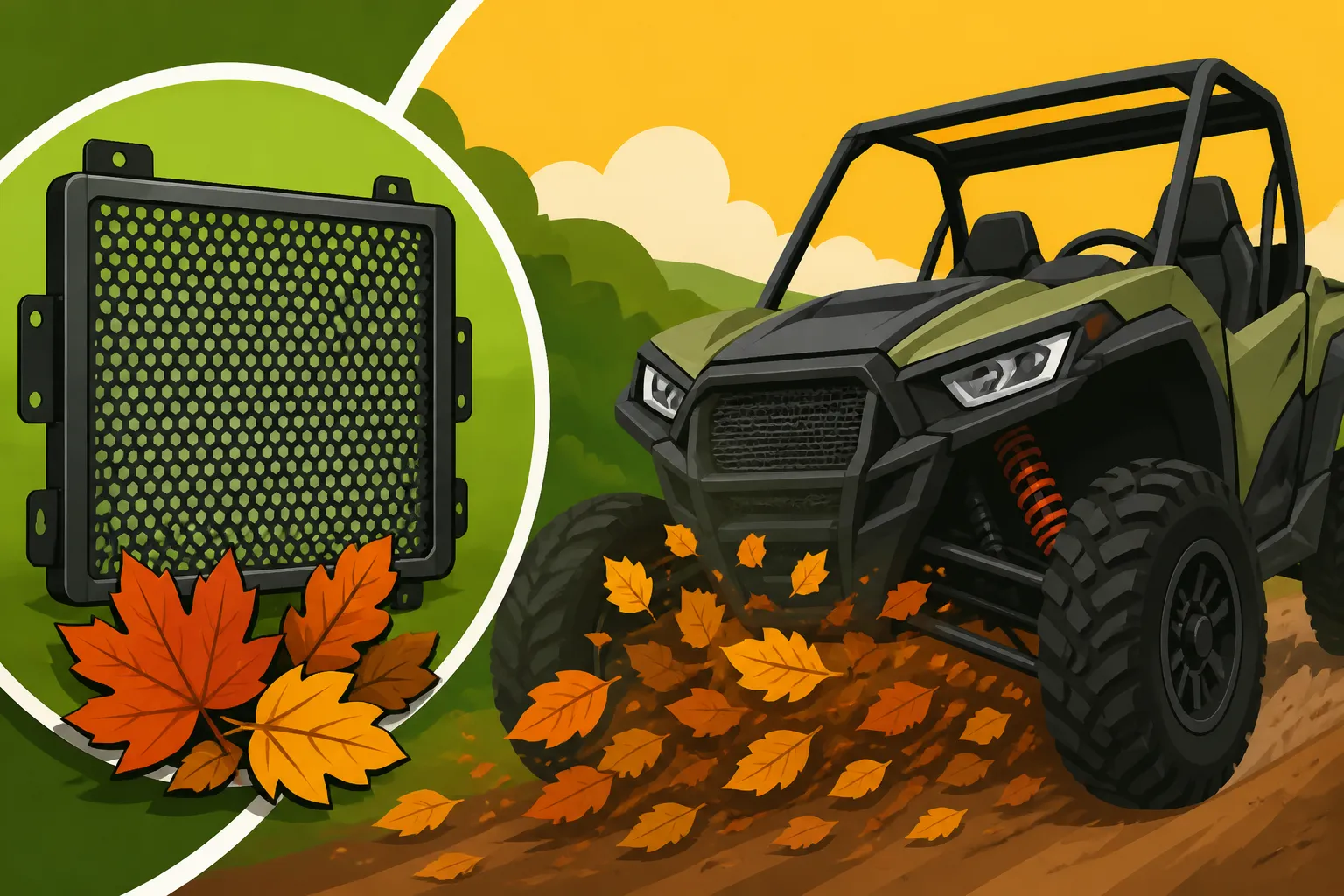
A screen can catch some of that debris before it reaches the radiator fins. That is useful, but it does not make the radiator maintenance-free. Fine material can still pass through, and wet leaves or muddy debris can cling to the screen and restrict airflow. A screen that is packed with leaves can become a blockage of its own.
Georgia’s fall riding season brings plenty of leaf cover, but debris is not limited to autumn. Fresh growth, storm-fallen branches, and grass can also gather in the radiator area. If you ride through changing terrain, resources such as Georgia Riding in Fall Leaf Season and Georgia Trail Conditions Before You Drive can help you think about the conditions you may encounter before loading up.
Signs the radiator area needs attention
A temperature warning, an unusually hot-running machine, or a cooling fan that seems to run more often than usual can be a reason to stop and inspect the radiator area. These signs do not prove that leaves are the cause; cooling problems can have several sources. But a quick visual check for packed debris is a sensible first step when the machine has been running through brush, leaves, or mud.
Pay attention to changes rather than relying on one symptom. If the temperature warning appears repeatedly, the machine loses coolant, or cleaning the radiator area does not resolve the concern, follow the owner’s manual and arrange qualified service. Continuing to ride while a machine is overheating can turn a manageable problem into a costly repair.
A screen is most useful when it makes routine cleaning easier and helps shield delicate fins from larger debris. It is not a substitute for checking the radiator, keeping coolant and other systems in good condition, or following the manufacturer’s maintenance schedule.
Choosing and fitting a radiator screen
Compare common screen approaches
Radiator protection varies by machine. Some screens fit over the radiator opening; others may be incorporated into a grille or be part of a model-specific accessory. The right choice depends on the machine’s design, available airflow, how it is used, and how easily the screen can be removed for cleaning.
| Screen approach | Potential benefit | Trade-off to consider | Best first check |
|---|---|---|---|
| Removable external screen | Often easier to inspect and clean | Needs regular removal or clearing when debris builds up | Confirm it fits the radiator opening securely |
| Integrated grille or screen | May fit neatly with the machine’s existing bodywork | Cleaning access can vary by design | Check how the panel is removed and reinstalled |
| Fine mesh | Can catch smaller pieces of debris | May collect fine material quickly and need frequent cleaning | Confirm airflow and cleaning guidance for the machine |
| Coarser mesh | May allow more airflow and be quicker to clear | Smaller debris may pass through | Consider the conditions and debris you commonly encounter |
Treat the table as a starting point, not a universal ranking. A screen that works well on one model may not fit another, and a very fine screen is not automatically the best choice. Check the owner’s manual and confirm that any accessory is designed for your ATV or UTV.
Check fit, airflow, and service access
Before installing a screen, make sure it sits securely and does not interfere with the fan, hoses, wiring, body panels, or other components. Avoid improvising a fit that could shift into the fan or block an opening the machine needs for cooling. If installation requires removing panels or working near wiring, use the manufacturer’s instructions or ask a qualified technician.
It is also worth thinking about access before you buy or install a screen. If clearing it requires a long teardown, you may be less likely to check it during a ride. A practical setup is one you can inspect and clean without damaging the screen or bending the radiator fins.
After installation, inspect the area with the machine off and cool. Confirm that the screen is secure, the radiator face is not already obstructed, and no loose material has been trapped behind the screen. If the accessory instructions differ from general advice, follow those instructions.
Cleaning and inspecting the radiator area on the trail
A careful trail-side check
If the machine’s temperature rises or you suspect airflow is restricted, stop somewhere safe rather than trying to push through a long section of trail. Turn off the engine and allow hot components to cool before touching the radiator area. Do not open a hot cooling system. The owner’s manual should guide you on safe inspection and cooling procedures for your model.
Once the machine is cool, look for leaves, grass, mud, or other debris on the screen and around the radiator opening. Remove loose material gently. Avoid scraping the radiator fins with a tool; the fins can bend, and damaged fins may reduce airflow. If debris is wedged behind a panel, use the proper removal procedure rather than forcing the panel or screen.
A quick inspection is especially helpful after a ride through thick leaf cover or wet, muddy sections. Mud and damp leaves can cling together and form a dense layer. If you ride in areas where trail conditions change after rain, Georgia Trails That Close After Rain and How to Check Georgia Forest Trail Status offer related planning context. Before heading out, you can also use onX Offroad to review route options, then check the relevant land manager’s information for current access and conditions.
Cleaning after the ride
At home or at camp, remove the screen if the design allows and clear debris from both the screen and the radiator area. Use a gentle approach. A strong, close-range stream of water can damage radiator fins, so follow the manufacturer’s cleaning instructions and keep pressure controlled. Let the area dry as appropriate before reinstalling the screen.
Do not assume that a clean-looking screen means the radiator is clear. Fine debris can collect behind the screen or between the fins. Check from more than one angle, using good light, and look for bent fins or signs of damage. If you see leaks, damaged components, or debris you cannot remove safely, stop and get service rather than probing with a sharp object.
Cleaning the rest of the machine matters, too. Georgia’s clay can mix with leaf litter and build up around bodywork and cooling components. Georgia Red Clay and What It Does to a Machine and Washing Clay Off Before It Sets cover related cleanup concerns that often go hand in hand with radiator care.
Build radiator checks into your Georgia riding routine
Before, during, and after a ride
A small routine makes it easier to catch a clogged screen before it becomes a roadside interruption. Before leaving, make sure the screen is secure and the radiator area is clear. On longer rides, check it during a natural break, especially after riding through dense leaves, tall grass, or wet ground. At the end of the day, clear the screen and inspect the radiator before storing the machine.
Planning your route can also help you anticipate where debris may be an issue. onX Offroad can help you look over potential routes and organize a trip, but map information should not replace checking official trail notices or local access rules. A route that looks straightforward on a map may still have seasonal restrictions, closures, or conditions that call for a change of plan.
If you ride with a group, make radiator checks part of the stop routine rather than waiting for someone’s temperature warning to appear. This is especially useful when machines have different radiator locations or screen designs. Let each rider check their own machine, and make sure everyone knows how to stop safely and recognize an overheating alert.
Common mistakes to avoid
The most common mistake is treating the screen as a fit-and-forget accessory. A screen catches debris, which means the screen itself needs attention. Another is cleaning only the visible front surface while leaving packed material behind it. Build-up can remain hidden until airflow is already reduced.
Avoid using a screwdriver, knife, or other sharp tool to dig leaves out of the radiator fins. Do not keep riding simply because the temperature warning goes away temporarily after slowing down. If the warning returns, or if the machine shows signs of a cooling-system fault, stop and follow the manual’s guidance.
It is also easy to overlook route conditions when planning a ride. onX Offroad can be useful when comparing possible routes, but confirm access and closures with the appropriate land manager before you travel. For broader preparation, Georgia Trail Etiquette on One-Way Loops is a helpful companion to planning and riding responsibly. A little route research, a well-fitted screen, and regular checks make it easier to enjoy wooded Georgia trails without asking the cooling system to fight through a mat of leaves.
Disclaimer
This article is for general informational purposes only and does not constitute professional advice. Laws, prices and regulations vary by location and change over time. Consult a qualified professional for guidance on your specific situation.